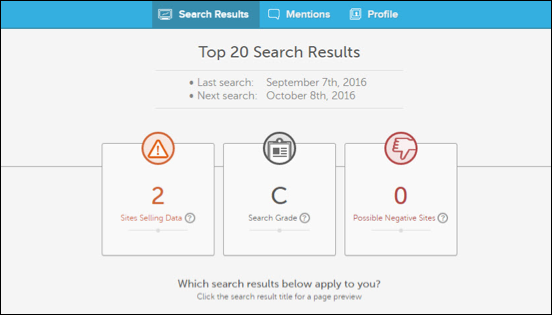
Take control of your online reputation with MyReputation Discovery, and start monitoring and tracking your personal search results today.
Follow the directions below to activate your MyReputation Discovery account:
1. Visit your MyBenefits page.
2. Locate MyReputation Discovery and click Activate Now.
3. On the page that opens, click Activate Now. 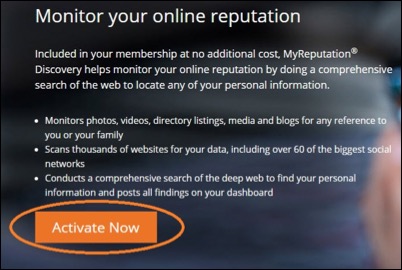
4. Enter your details, and click Submit. 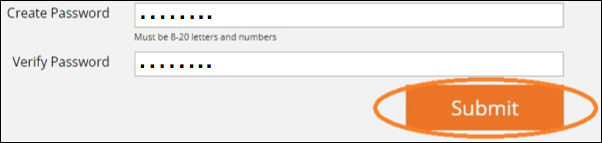
5. On the next page, click Complete Profile Now to finish activating your account.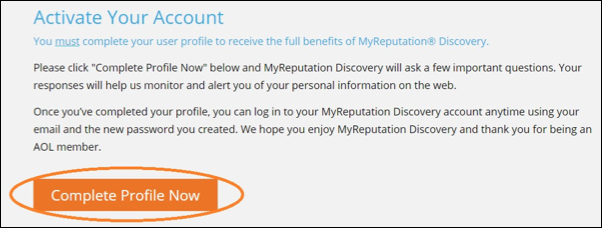
6. Now you will able to see the search results for your information that MyReputation Discovery has found across the internet, all right in your dashboard.